Every photo. Every part.
Every dollar. Accounted for.
The operations platform for aviation parts companies. Separate tools that enhance the ERP workflows you already run, in AvSight, QuickBooks, or Smart145. Switch on the modules you need. The ERP stays the system of record.
The platform
Separate tools that enhance your ERP.
AvTools is a platform of modules, not one system that walks a part through a single cycle. Each tool attaches to a workflow you already run. Use the ones that help. Your ERP stays the system of record. Jump to a station to open that module.
- 01
Receive
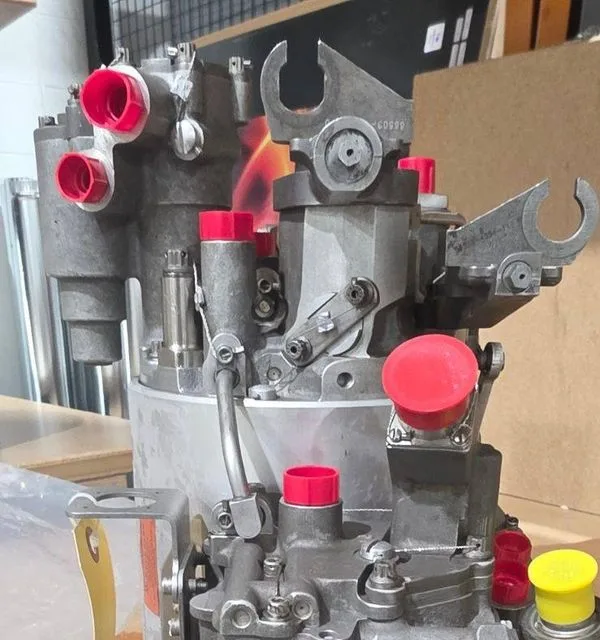
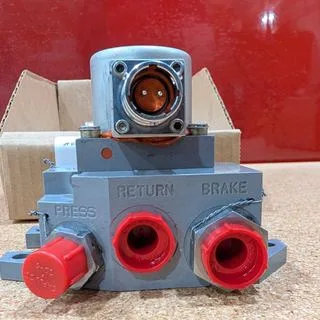
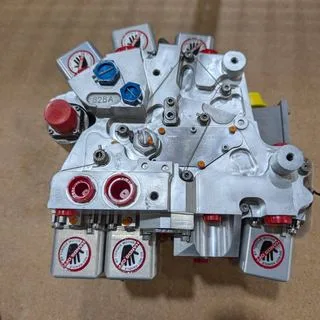
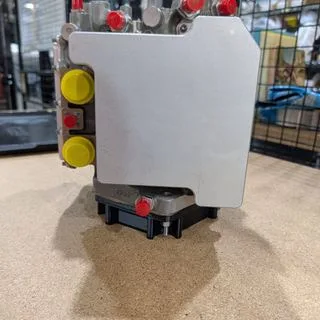
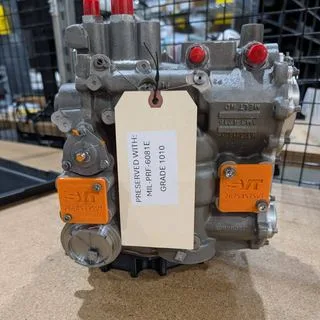
AvPics · StationScan the barcode, shoot condition photos at the bench. They land on the ERP record auto-named and batched, without anyone touching a desktop.
- 02
Quote
QuoteDeckEvery RFQ in one inbox. Price against stock, autoquote what you can, send the quote, and chase the deal from the same board.
- 03
Ship
Filing Assistant · Trace · LibraryAvSight filing checklists and audits kept current, the outbound trace package assembled, reference manuals in one searchable library.
- 04
Prove
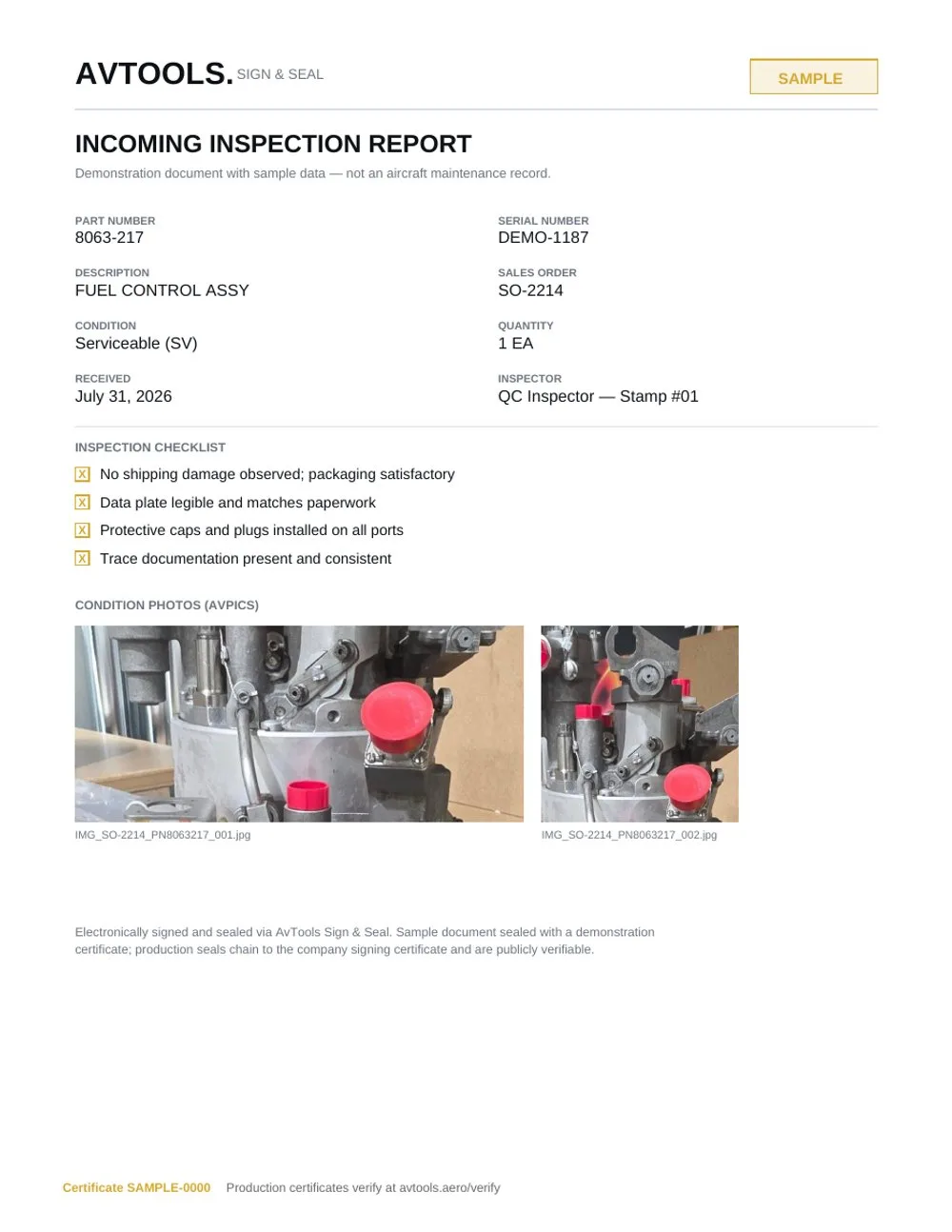
Sign & Seal · E-SignInspection reports sealed with a PAdES signature and an RFC 3161 timestamp. Anyone holding the document can verify it, with no account.
- 05
Reconcile
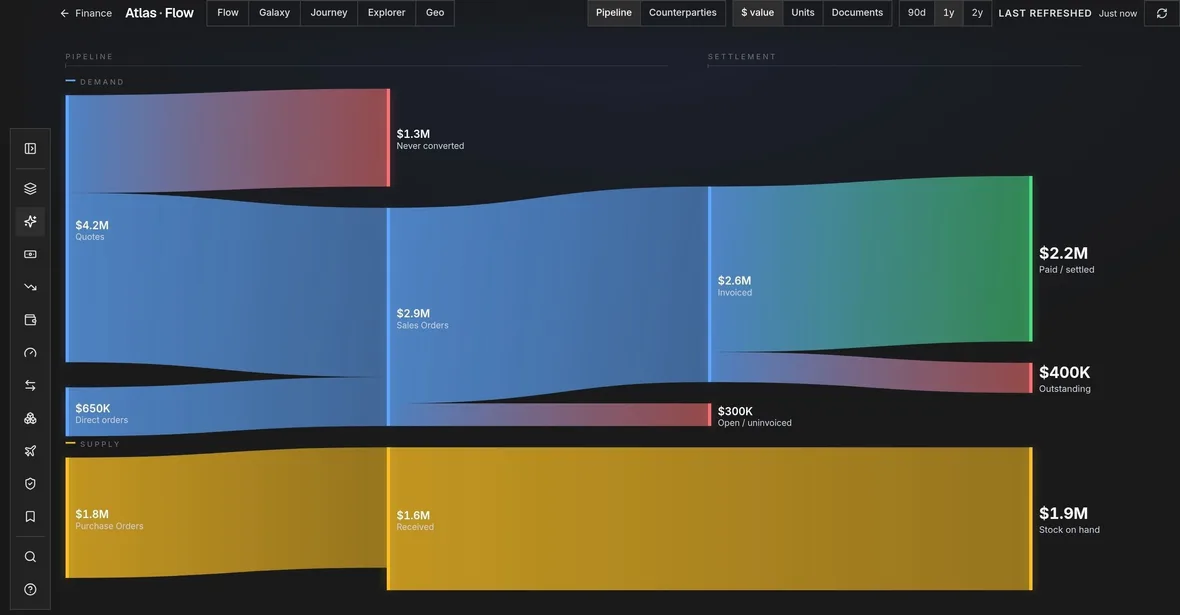
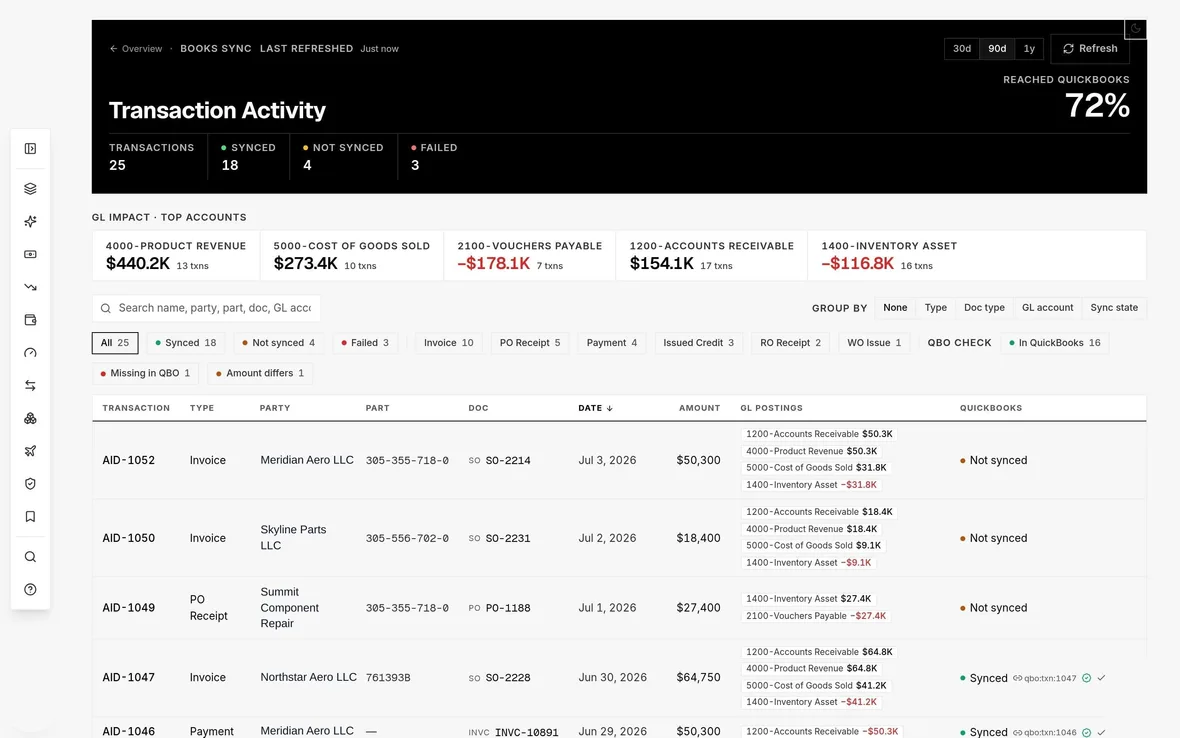
FinanceMargin, AR aging, cash flow and velocity off your own ERP data, cross-checked so you know the books actually agree.
AvPics
Photos that file themselves.
- Find the shop camera
- Shoot the part
- Pull the memory card
- Copy the files to a desktop
- Sort and rename every shot
- Assemble a PDF by hand
- Upload it to the ERP
- Scan the barcode
- Shoot the part
- Naming, batching, PDF, ERP uploadautomatic
Inspection Station pairs a mounted iPhone with the portal, so the same capture runs hands-free and framed the same way every time. Useful when the photos have to look identical across a hundred units.
QuoteDeck
Faster quotes. More deals.
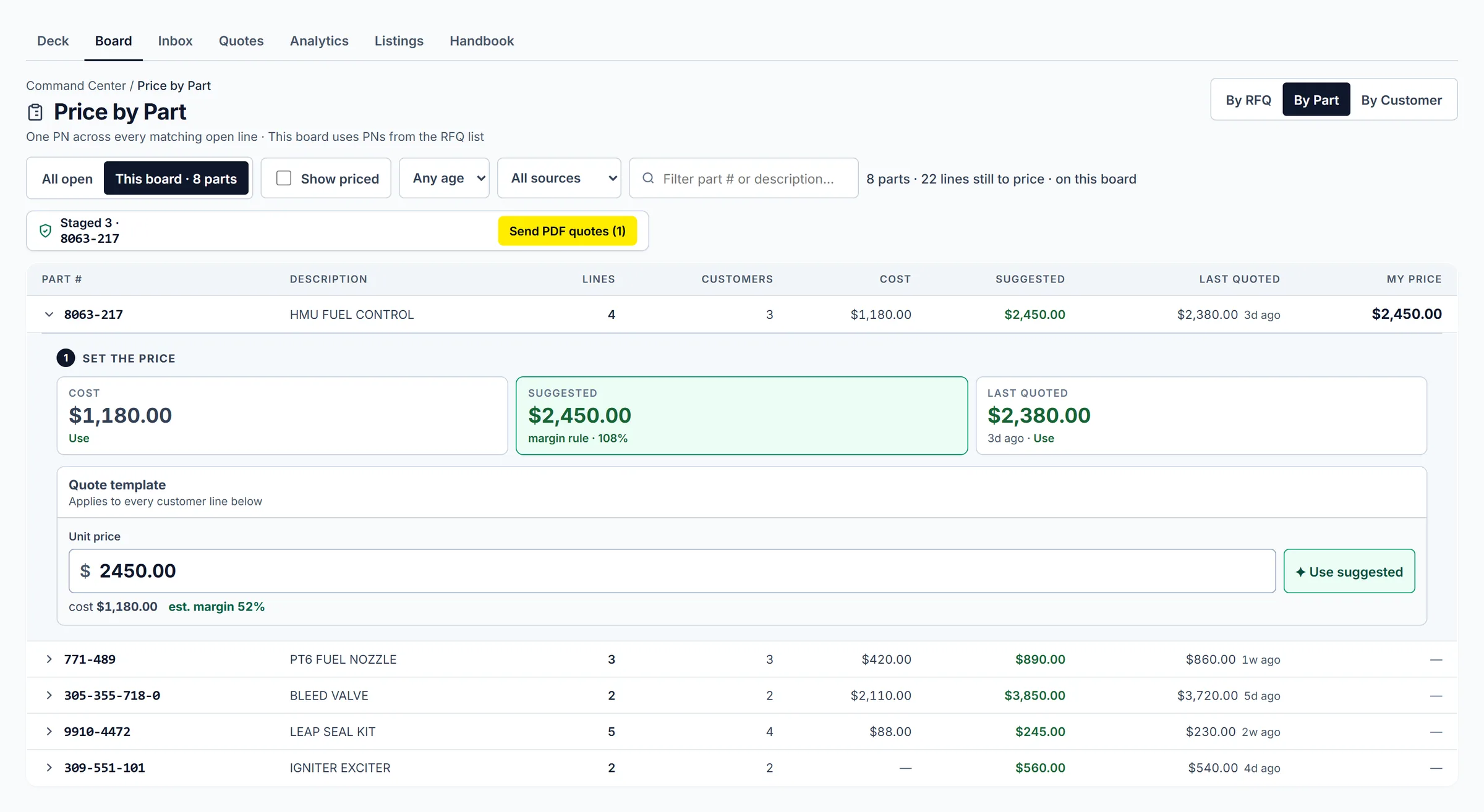
All RFQs in one inbox
ILS, PartsBase, Locatory, SkySelect, and email land on one board. Assign, archive, or hold AOG so autoquote stays out of the way.
Quote in a few clicks
Price from stock and vendor quotes. Autoquote answers in-stock RFQs on your rules. Alternates carry the swap note.
Send, then land it in the ERP
The quote goes out in the background. The record is already in the ERP.
Chase and close
Follow the pipeline from RFQ to won. Credit is stamped when the work happens, so it survives someone leaving.
Filing Assistant
Keep the file current before the part leaves.
Work AvSight records against a checklist, with saved views that survive the week.
Check the paperwork behind a receipt or a dropship before it matters.
Dated filing obligations from your ERP land on a calendar you can work.
Federal Register Airworthiness Directives matched against what you hold. Directives govern products rather than part numbers, so a match is a lead to work, and the software says so.
Trace packages
Ship the package complete.
Trace assembly pulls what is already filed on the ERP record into the outbound pack. Release is a deliberate step for shops that want an approval gate before a package leaves.
Reference library
Your manuals, in one place.
Sign & Seal
Optional voucher on the inspection record.
Finance
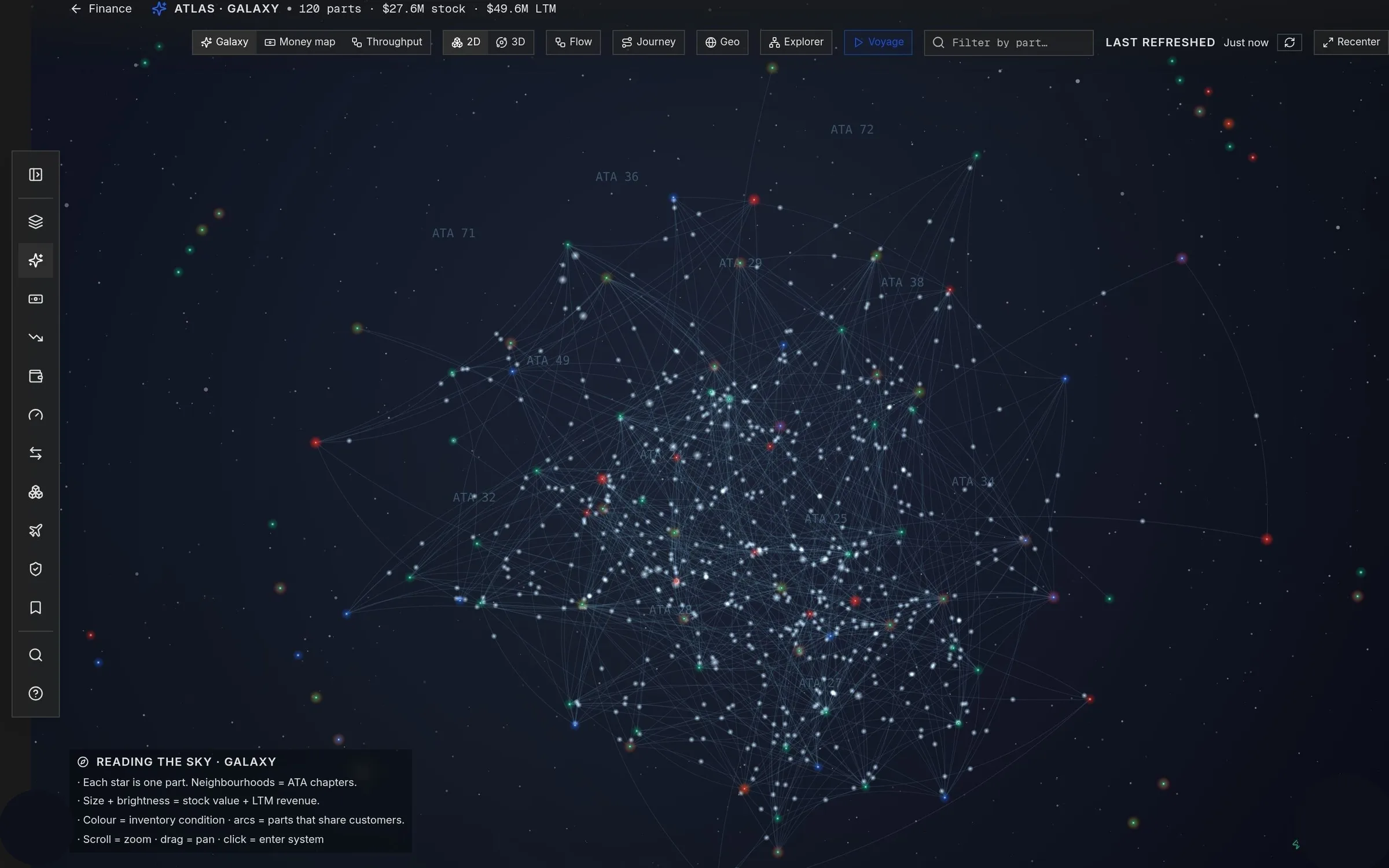
See where the money is, down to the part number.
MCP connector
Point Claude at your own parts data.
Early access: an optional module, off until you switch it on, and granted to one person at a time rather than bundled into a role. Customer self-serve credentials in Settings are gated until multi-tenant mode is enabled; setup is assisted until then.
The guardrails, control by controlThe connector answers questions. It cannot write to your ERP.
Revocable per company. Customer self-serve in Settings is gated until multi-tenant mode is enabled.
Tenancy is resolved per request, so a credential reaches your data and nothing else.
What you actually get
Every capability, labelled honestly.
AvPics is the licensed core every customer gets. Everything marked as a module is switched on for your company as part of the conversation, so you pay for the parts of this you use.
Receive and document
- Photo captureBarcode scan and condition photos on iPhone, offline first. The hangar has no signal and the app does not need one.Core
- BatchesPhotos auto-named and grouped against the order, reviewed and annotated in the portal.Core
- Condition report PDFThe batch becomes a report document without anyone assembling it.Core
- ERP pushApproved batches land on the AvSight record, with a review queue for shops that want an approval step.Core
- Inspection StationA mounted iPhone driven from the portal, for repeatable hands-free bench capture.Optional module
Quote
- RFQ inboxEmail and marketplace demand on one board. Assign, archive, or hold before anyone prices a line.Optional module
- Email and spreadsheet intakeInbound RFQ mail and attached price grids parse into quote lines, including the unlabelled part numbers buyers actually send.Optional module
- Marketplace channelsILS, PartsBase, Locatory, and SkySelect demand on the same board. ILS and PartsBase notifications parse from email; SkySelect answers over their API.Optional module
- PartsBase APIPer-company credentials, connection test, and listing CSV export. RFQ pull and quote submit are early access.Early access
- Locatory APIPer-company credential connector with sandbox or production. RFQ and quote endpoints are early access.Early access
- Fast quotingSuggested pricing per line, with your own stock lines and vendor quotes picked from a list rather than retyped.Optional module
- AutoquoteAnswer in-stock RFQs automatically on your rules: match level, price caps, and holds for AOG or VIP traffic.Optional module
- Alternate part numbersQuote an alternate and the requested number, the alternate, and the explaining note travel together.Optional module
- Quote sendThe quote goes out as a background job. Your company can take a copy. The record is already in the ERP.Optional module
- Chase and analyticsFollow up on quotes still out, track win rate and response time, and keep credit on who quoted what.Optional module
- Repair EstimatorBuild repair estimates against a workscope.Early access
- Repair OrdersDraft and cut AvSight repair orders against units in stock, with the vendor ranked and explained, a live approved-vendor gate on every write, a vendor RFQ loop, and standing instructions capped by units, dollars and runs with a required expiry.Early access
- Order EntryAttach a customer PO in AvTools AI and review the sales order it lays out, converted from the quote it answers or entered new. Nothing is created until you confirm.Early access
Ship with paperwork
- Filing checklistsWork AvSight ERP records against a filing checklist, with saved views that survive the week.Optional module
- Vendor and dropship auditsCheck the paperwork behind a receipt or a dropship before it matters.Optional module
- SLA calendarDated filing obligations from your ERP land on a calendar you can work.Optional module
- AD watchFederal Register Airworthiness Directives matched against what you hold. Directives govern products rather than part numbers, so a match is a lead to work.Optional module
- Trace packagesThe outbound document package assembled from what is already on the record.Optional module
- Reference libraryCMMs, AMMs and service bulletins in one searchable library.Optional module
Prove the record
- Sign & SealPAdES seal and RFC 3161 timestamp on inspection records. Named signing takes a deliberate designation by your company admin.Core
- Public verificationAnyone holding the document can check it at a public URL, with no account.Core
- E-SignCounter-party signatures on designated flows such as customer contracts. Separate from Sign & Seal.Optional module
Reconcile
- Margin, AR and cash flowAnalytics off your own ERP data, with aging, velocity and forecast views.Optional module
- AtlasThe same data as connected visual lenses: flow, galaxy, journey, explorer and geography.Optional module
- Books SyncEvery ERP transaction that claims it reached QuickBooks, checked against QuickBooks.Optional module
- Fixed assetsAn equipment register with straight-line book value computed on every read, custodian and location history, disposals with gain or loss, and CSV export. The accounting book stays in QuickBooks.Optional module
- AvShopShop performance from your own Smart145 work orders: workload, late jobs, throughput and turnaround, all read-only.Early access
Across the platform
- Roles and accessFour roles plus custom ones, with per-module access defined in Settings and assigned in Admin.Core
- Customizable dashboardA company template plus a personal layout, built from widgets across the modules each person already holds.Early access
- NotificationsA bell and a history, with per-user mute. A notification whose data source is not connected is listed as unavailable rather than silently dropped.Core
- Knowledge BaseProduct documentation inside the portal, searchable, with no module gate.Core
- Record LookupType an ERP record number and read the record: every field your ERP holds, the files attached to it, and the related records in the transaction chain. Read-only over AvSight and Smart145, and handed out person by person.Early access
- Support deskFile feature requests, bug reports and questions from inside the portal, with replies and status tracked to resolution.Optional module
- Promo StockBranded give-away goods as your own SKUs, with colours and sizes, average cost and value on hand, and a ledger of every delivery and give-away.Optional module
- Company sending identityAssisted setup for sending from your company address. Verified-domain sending is available; no-DNS address confirmation is early access.Early access
- MCP connectorPoint Claude or another MCP client at your own ERP, read-only, on a credential you can revoke. Customer self-serve is gated until multi-tenant mode is enabled.Early access
- ArcadeAn optional game layer over work your team already does.Early access
Pricing depends on your team size and which modules you switch on. We will walk through it in the demo, or email sales@avtools.aero.
Integrations
Wired into the systems you already run.
AvPics, QuoteDeck, and Finance read and write AvSight records directly, over your company's own OAuth connection. Field names are discovered per org, so a rename in your Salesforce does not break the suite.
Finance reads the books and cross-checks every ERP transaction that claims it synced, then flags the ones that didn't.
Record lookup and document scanning for Part 145 shops, connected with your own credentials.
ILS Fast Quote and RFQ notifications parse into the QuoteDeck inbox beside ordinary email demand.
Marketplace RFQs land on the same quote board as your email intake, and your answer goes back over the SkySelect API.
Per-company API credentials, connection test, and ILS/PartsBase listing CSVs from AvSight inventory. RFQ pull and quote submit are early access.
Per-company credential connector with sandbox or production. RFQ intake and quote submission are early access pending the vendor API reference.
Point an MCP client at your own ERP through a credential your admin issues and can revoke.
Labels and documents print from the portal straight to the printers on your shop floor.
Every company's data is isolated with row-level security. Integrations run on your own OAuth credentials, which you can revoke at any time, and your ERP stays the system of record. We never use your data to train AI models. Details in the privacy policy.
See your own workflow running in AvTools.
A 30-minute walkthrough of the tools that would sit on your ERP.
Pricing depends on your team size and modules. We'll cover it in the demo, or email sales@avtools.aero.