Scan. Shoot. Filed.
That is the product. Photos on the right ERP record, already named. Nobody sits at a desk renaming files or uploading a card.
Shown with demo numbers. Sample part 8063-217 on sales order SO-2214.
Scan the barcode. The record is checked before anyone shoots.
Scan the barcode.
The app checks the record in your ERP before anyone shoots. Type the identifier if the label will not read.
Shoot the part.
Photos save on the phone first. A metal hangar with no signal is fine. They sync when the device has a network.
We send inspectors an install link. The capture app is iPhone.
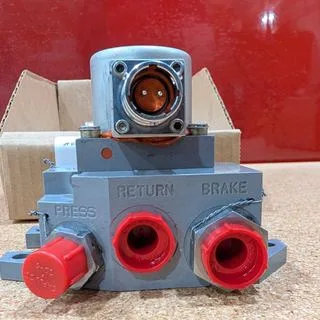
They name themselves.
Naming and batching happen without a desktop. The set is grouped against the order, in the order you shot it.
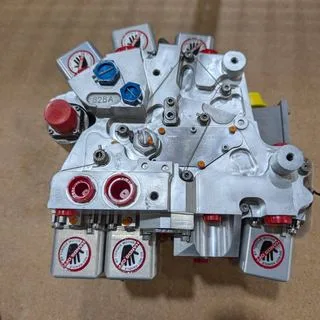
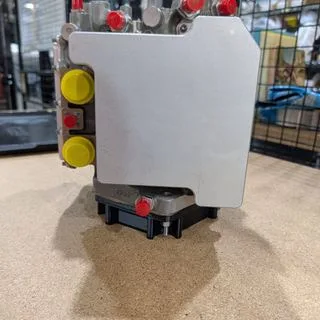
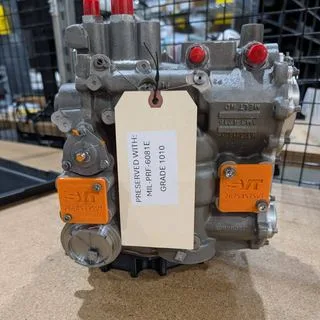
Review on a real screen.
Open the batch in the portal. Photos are in capture order, already named. Most teams shoot on a phone and finish here.
On the ERP record.
The approved batch attaches to the AvSight or connected ERP record. You can require a review step before that push.
A mounted iPhone can be driven from the portal for hands-free bench capture. Inspection Station is an optional module.
A condition report PDF and a digital signature are available if you want them. That is not why teams start AvPics.
AvPics is the licensed core.
Everything else is switched on for your company when you want it. None of it is required to start. Your ERP stays the system of record.
See your own workflow running in AvTools.
A 30-minute walkthrough of the tools that would sit on your ERP.
Pricing depends on your team size and modules. We'll cover it in the demo, or email sales@avtools.aero.